For disability, school, aged care & health providers
Manage your own participants, under your own console
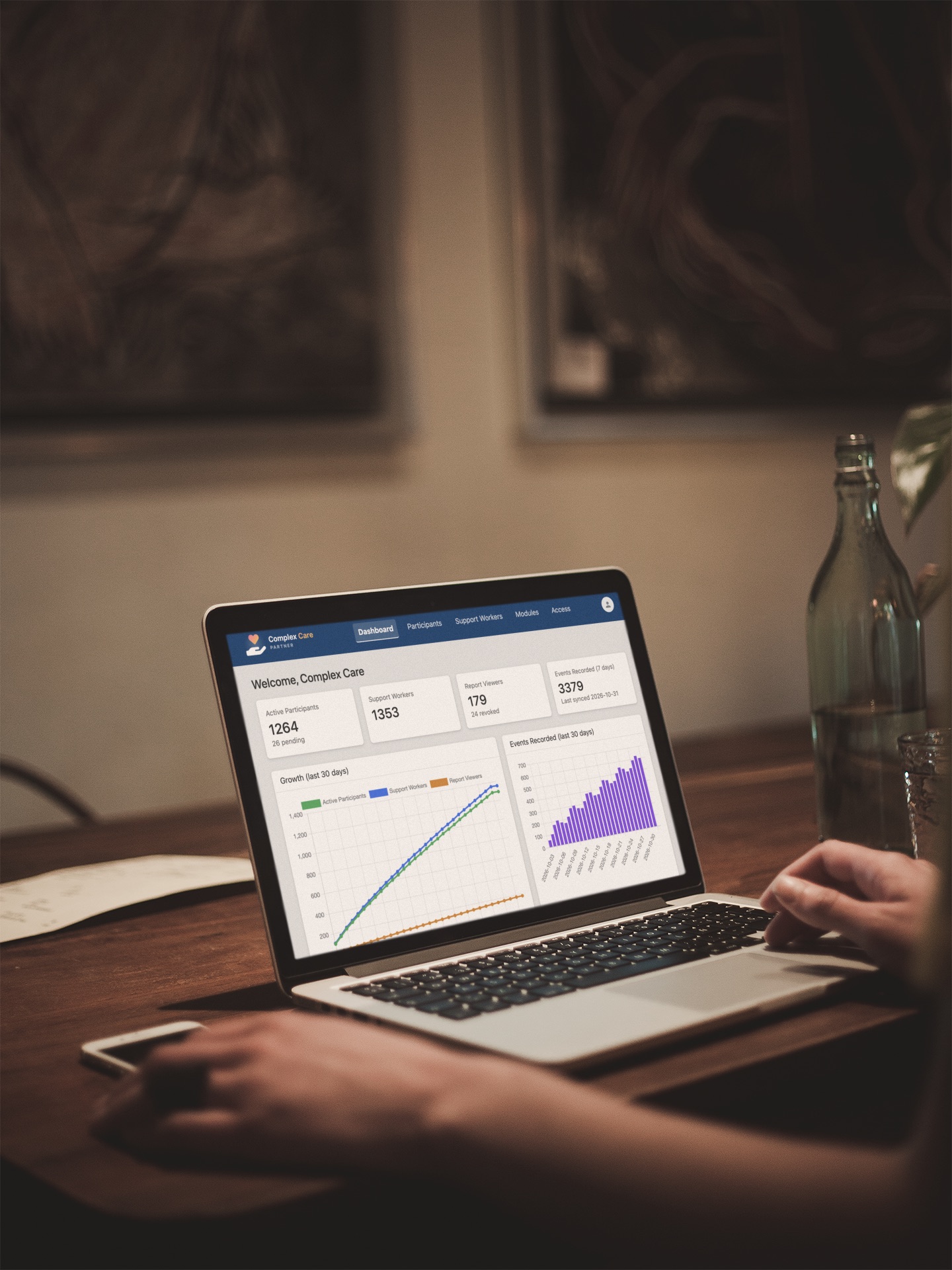
A Partner gets their own console for adding and managing participants directly - their own pricing, their own "standard app config" templates, and participants billed straight into your normal monthly cycle. Whether you call them a participant, a student, a resident or a patient, it's the same console underneath - built for disability services, schools, aged care facilities and health providers alike.
What being a Partner gives you
Everything below is built specifically for a disability, school, aged care or health organisation managing more than one or two participants at a time.
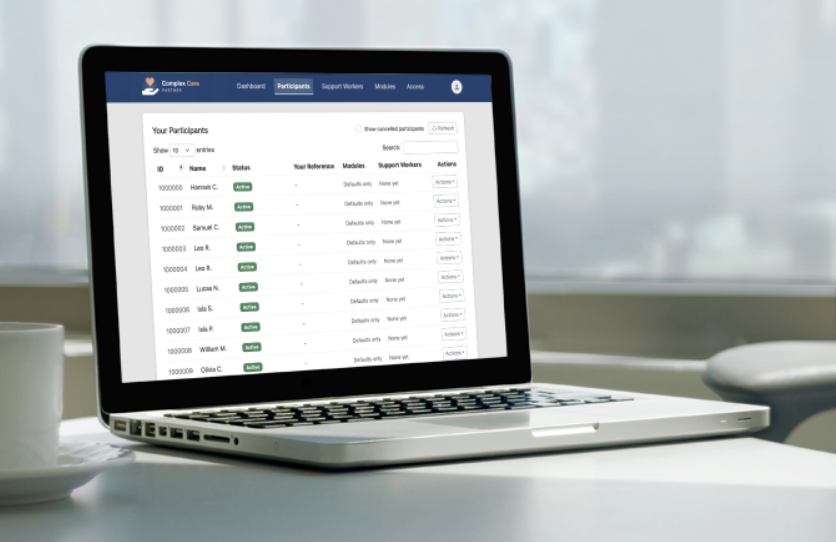
Your own console
Add, disable or remove participants yourself, at any time - no waiting on anyone else to action a request.
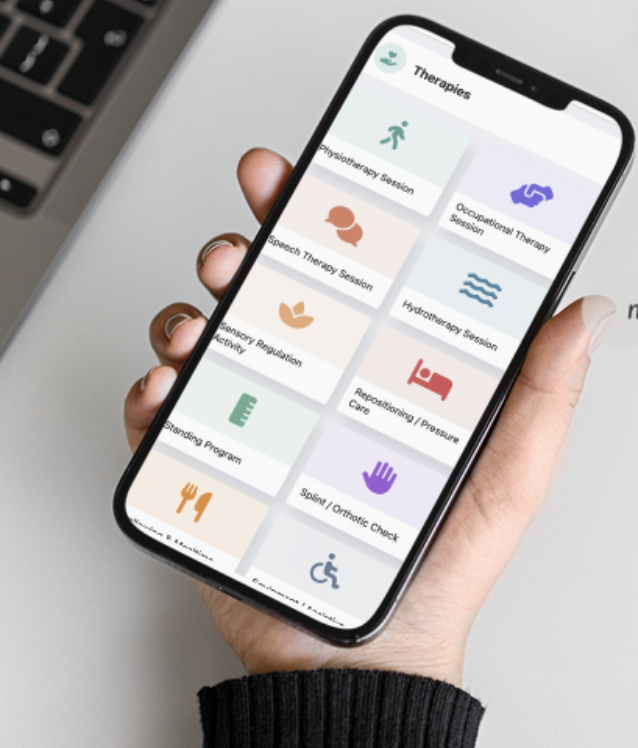
Build your own customisable modules
Build your own reusable setup templates once (locations, events, icons) and apply them to any new participant in a click.
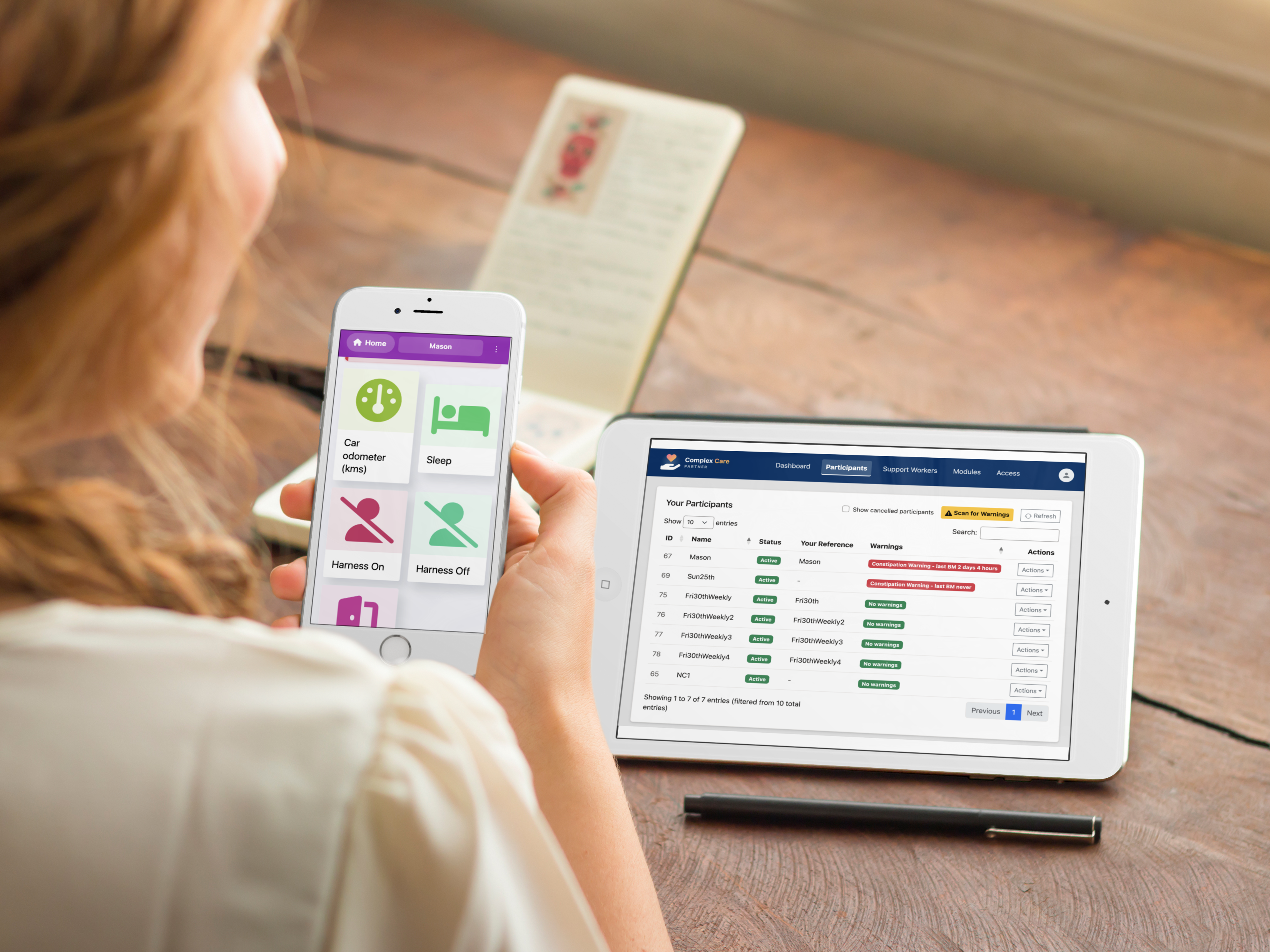
Dive into any app, or catch every warning in one go
Jump straight into any participant's own app from your console whenever you need to look closer. Or scan your whole caseload with one click - every participant with a Warning currently firing rises straight to the top of your list, so nothing waits to be noticed.
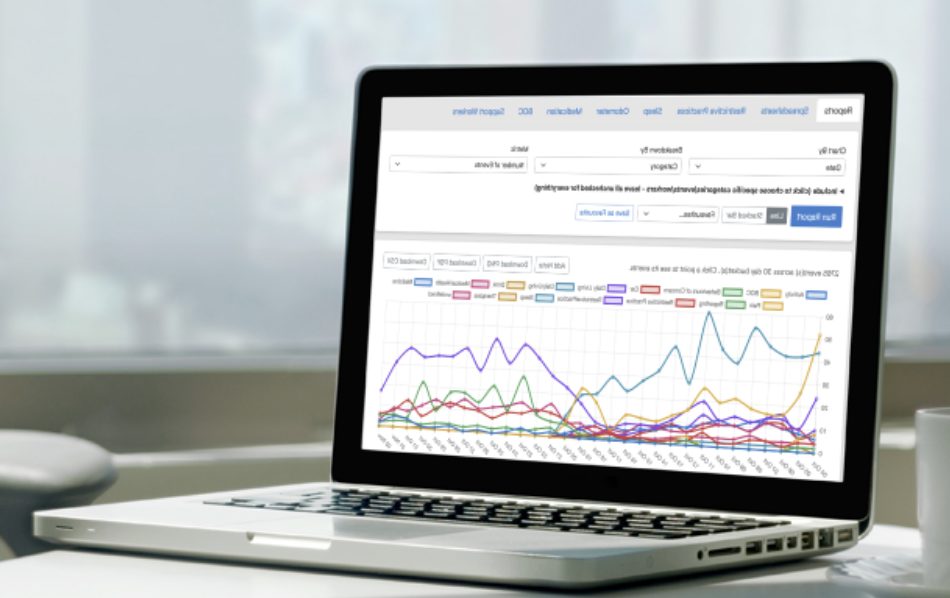
Reports built in, not bolted on
Chart any category over any date range, broken down however you need, then download it as a PNG, PDF or spreadsheet - for every participant you manage.
How it works
Becoming a Partner is a short conversation first, not an instant signup - it's a business relationship we set up together.
-
1
Apply below
Tell us a bit about your organisation and how many participants you expect to manage.
-
2
We're in touch
We'll reach out to confirm pricing and answer any questions before anything is set up.
-
3
Your console goes live
You'll receive your own console link and PIN by email, ready to start adding participants.
Apply to become a Partner
A few details to get the conversation started - no commitment, no cost to apply.